One playlist. Every screen.
Add your own IPTV subscription once. Watch on your phone, then carry on from the same minute on your TV.
A player only. Zee2 includes no channels or content.
Written Zee2, said “Zee Two”.
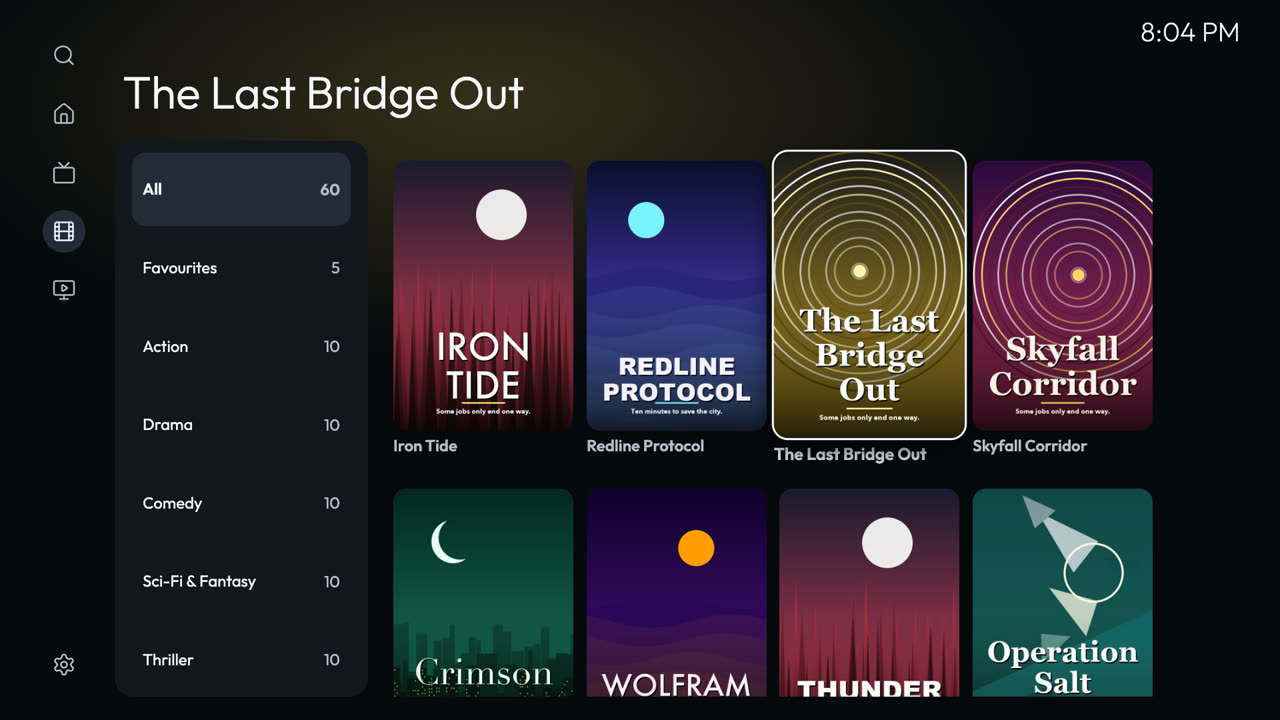
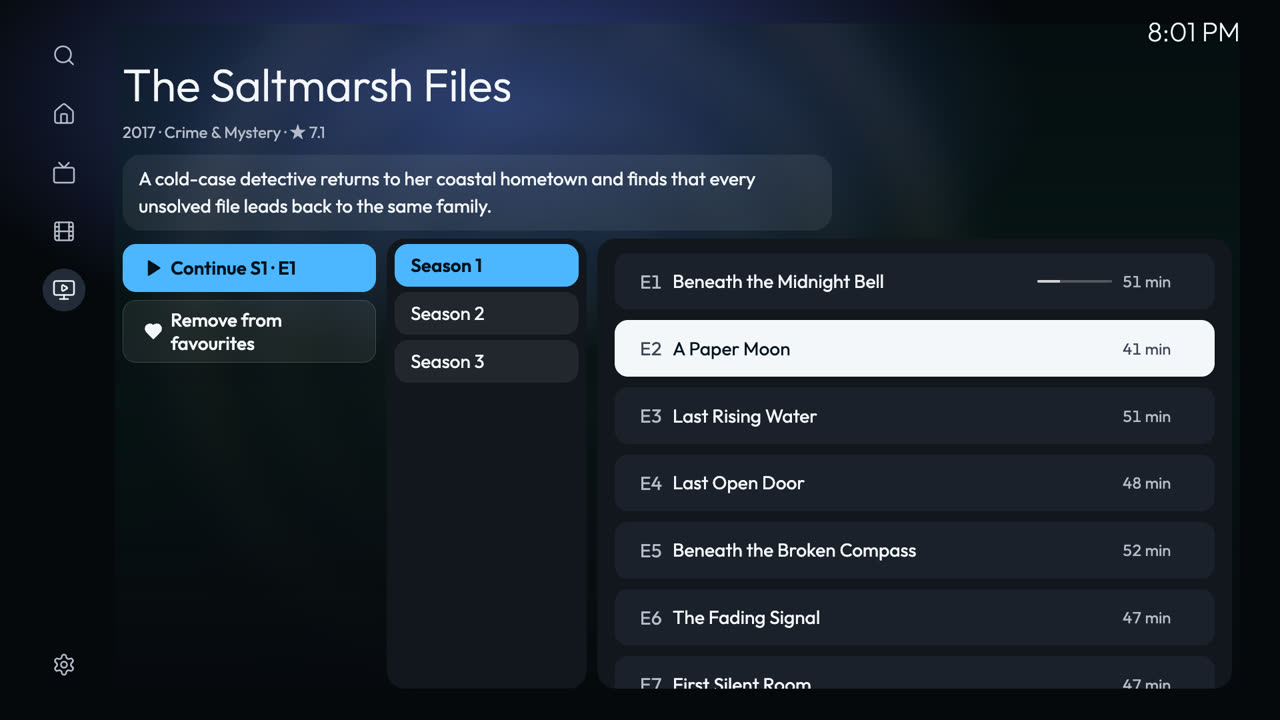
Live TV, movies and series. Done properly.
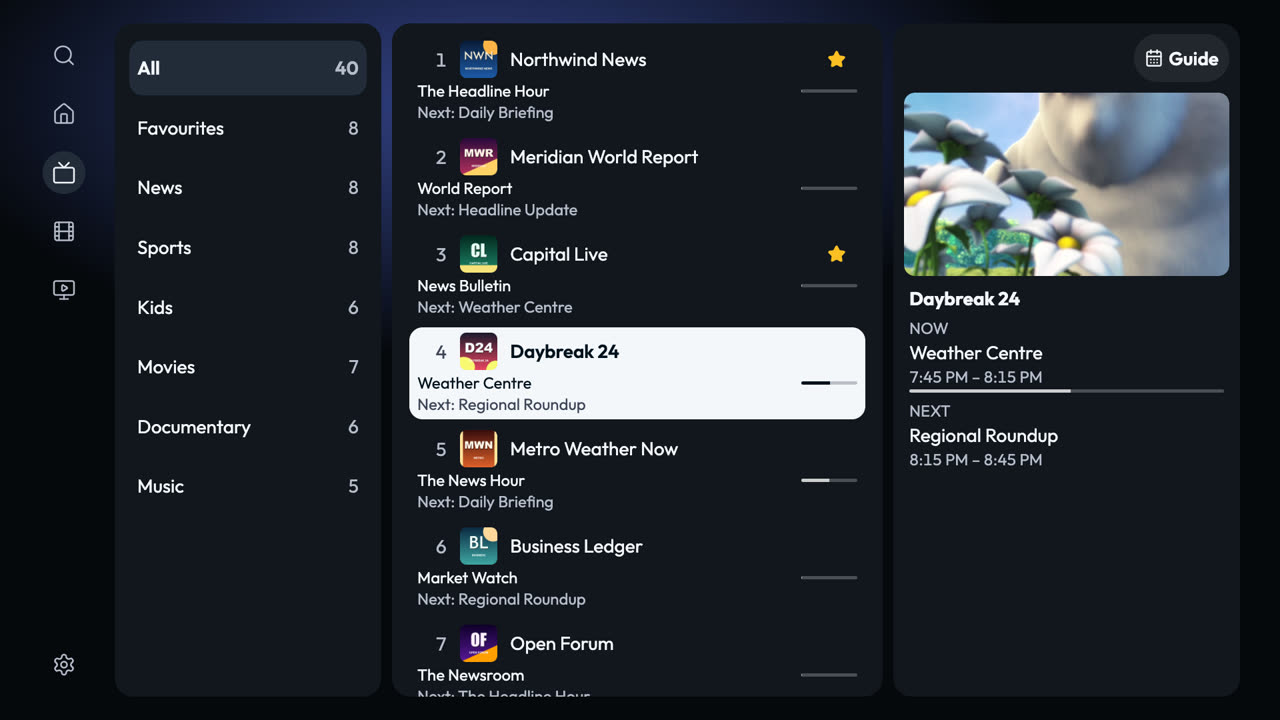
Fast channel switching, a full programme guide, catch-up, one search across everything, and resume on every title.
See every featureLive TV and guideSee what is on now and next, and jump back with catch-up where your provider keeps one.
DownloadsSave films and episodes on your iPhone, iPad or Android device to watch without a connection.
Parental controlsHide adult content, single titles or whole folders behind a PIN.
Link this TVPoint your phone’s camera here. Expires in 5:00.
Scan once. No account.
- Open Zee2 on the TV and choose Link. A code appears.
- Point your phone’s camera at it. Check both screens show the same number, then press OK on the TV.
- Your playlists arrive on the TV. Enter each password once there. Passwords are never sent between devices.
A phone you link joins the TV’s existing group of devices. A group holds up to ten. Linking is only offered in app versions that include it.
Linking questionsWe cannot see what you watch.
No account, no ads, no tracking. Linked devices talk through our server in a form only they can open, and it keeps nothing.
Read the privacy policy